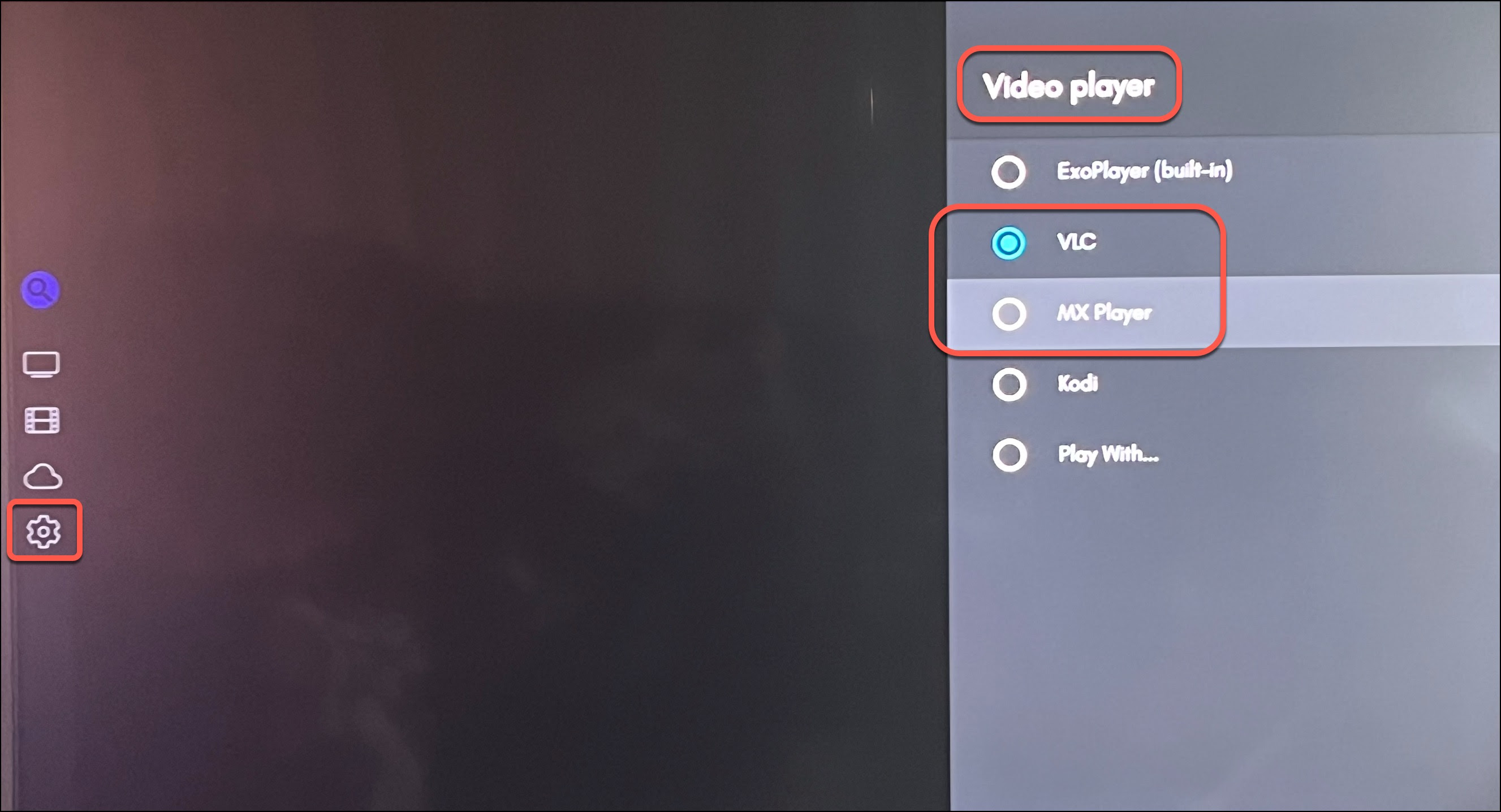
Mage requires an external video player to play sources. Install the VLC Player for Firesticks and the MX Player on Android devices from the app stores. Open the Mage app and sign in with your username and password. Go to "Settings → Playback → Video Player". Select VLC Player or MX Player as the playback option. (If you forget to do this step and click on a source it will loop back to the links page)