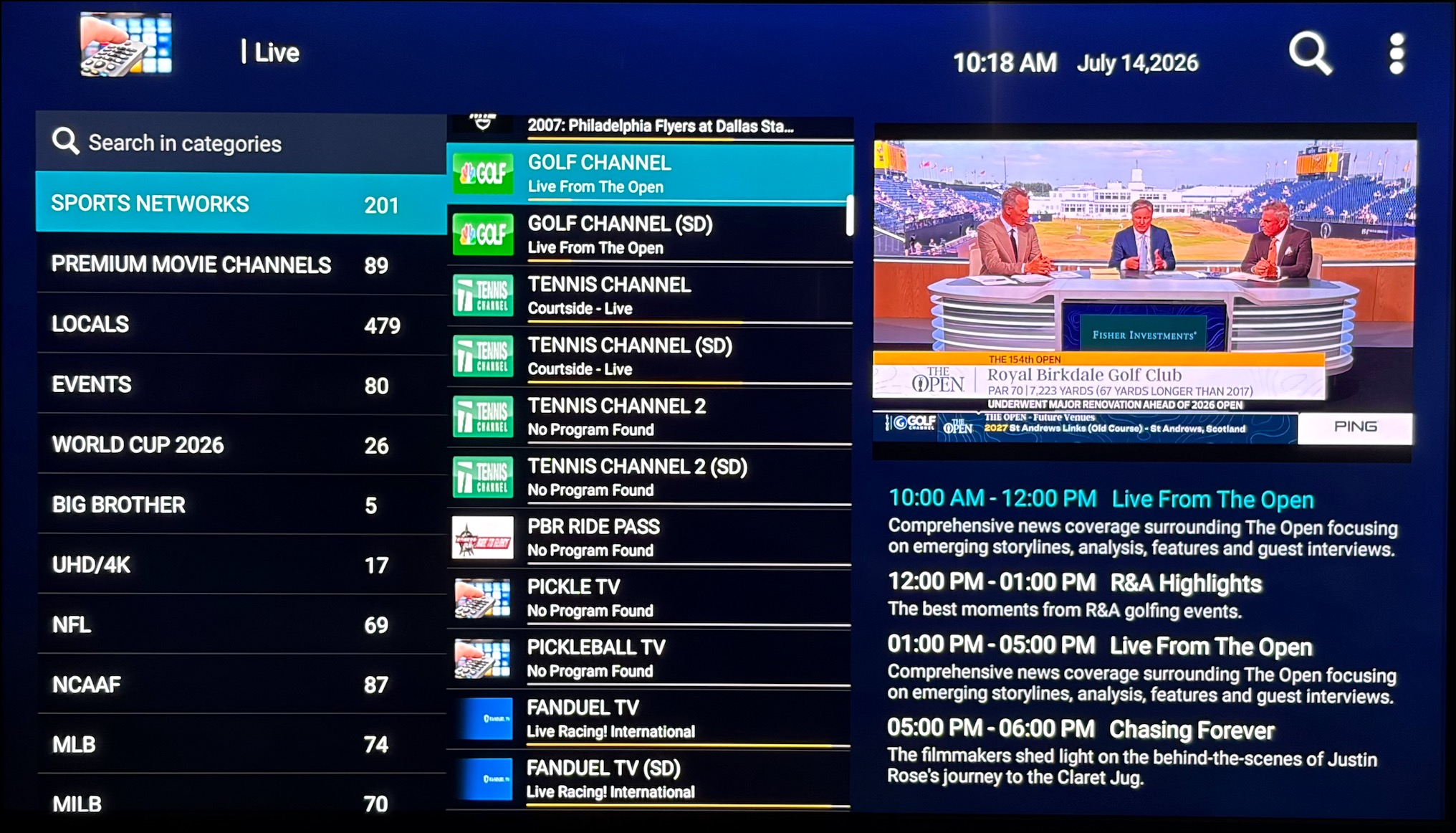
Open up the Downloader app and enter the shortcode: 9527151
Download, Install and Open the Smarters LiveTV Pro app.
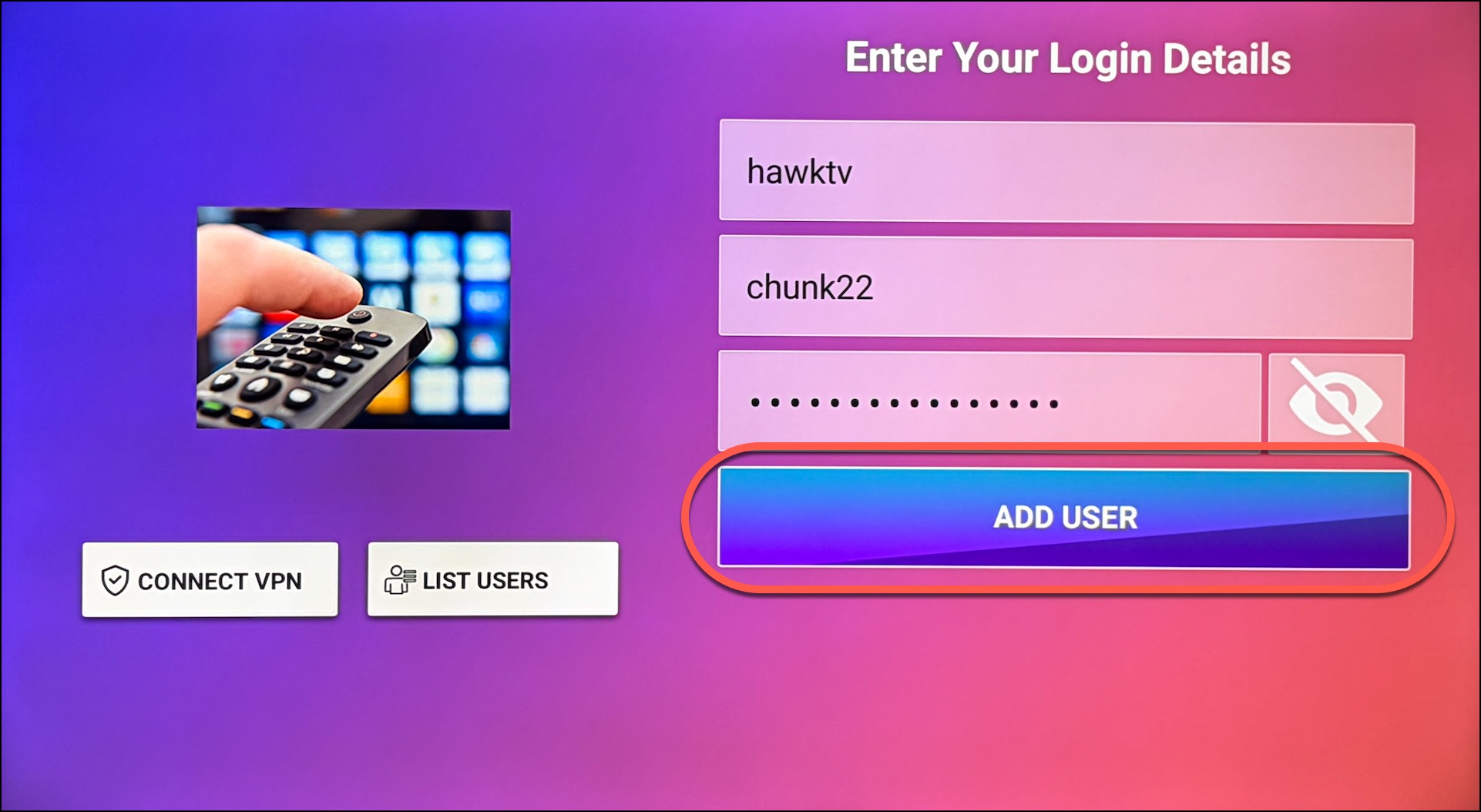
First fill out the login information on the right hand side.
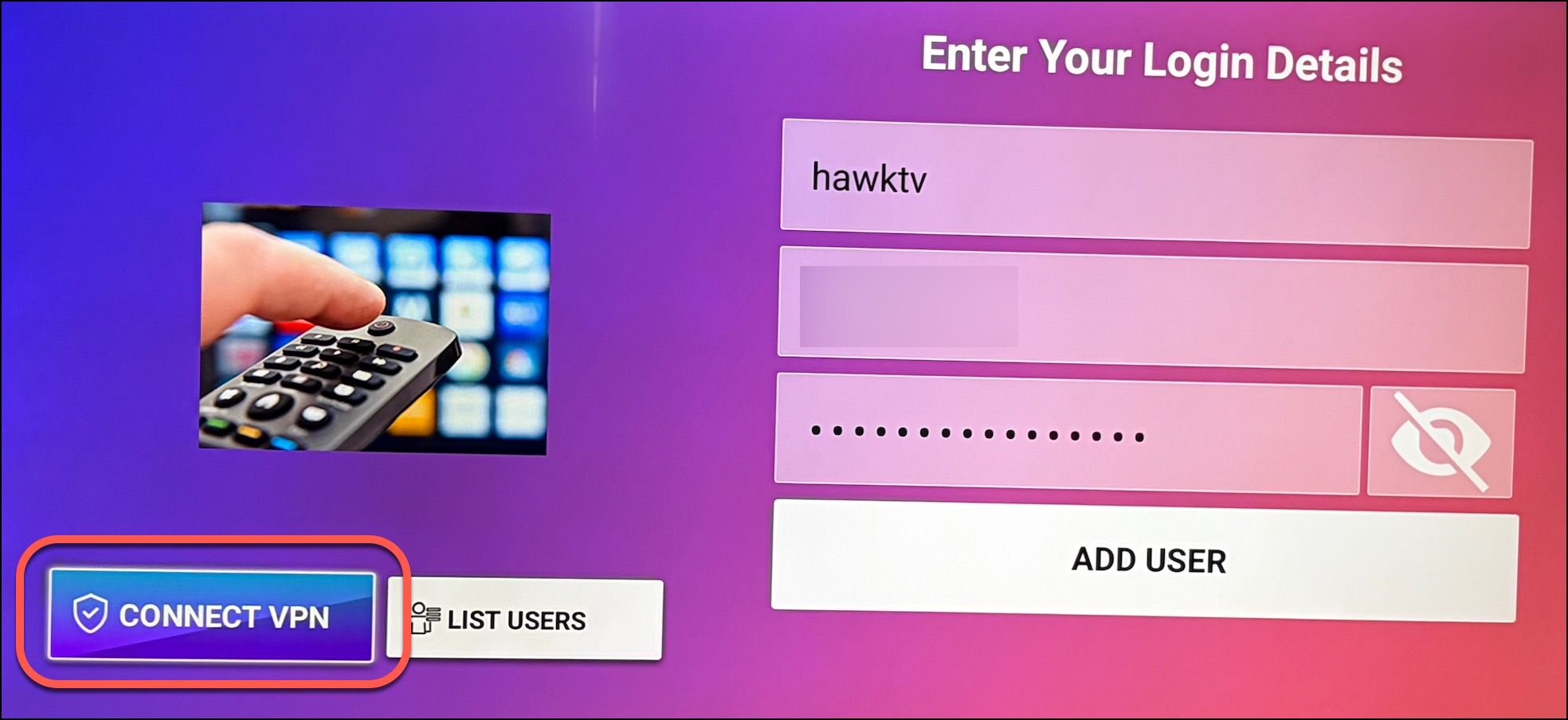
Any Name: hawktv
Username: (Your HawkTV Username)
Password: (Your HawkTV Password)
(DO NOT CLICK ON "ADD USER" YET)
On the left hand side of the screen click on "Connect VPN".
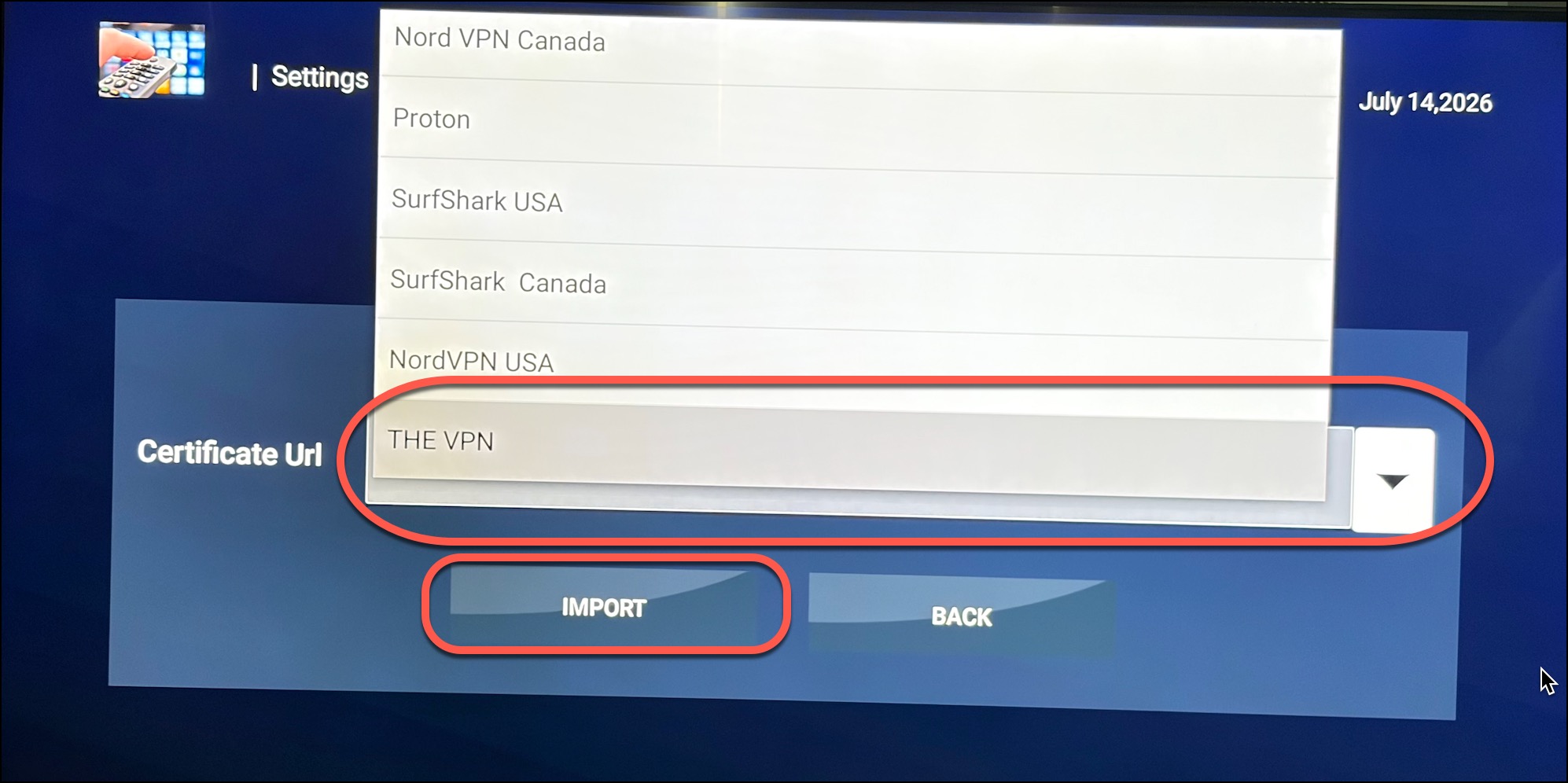
Click on Add Certificate, then click on the dropdown arrow for Certificate URL and choose "THE VPN" at the bottom. The url http://dapps625.com/thevpn.zip will populate, then click on "Import".
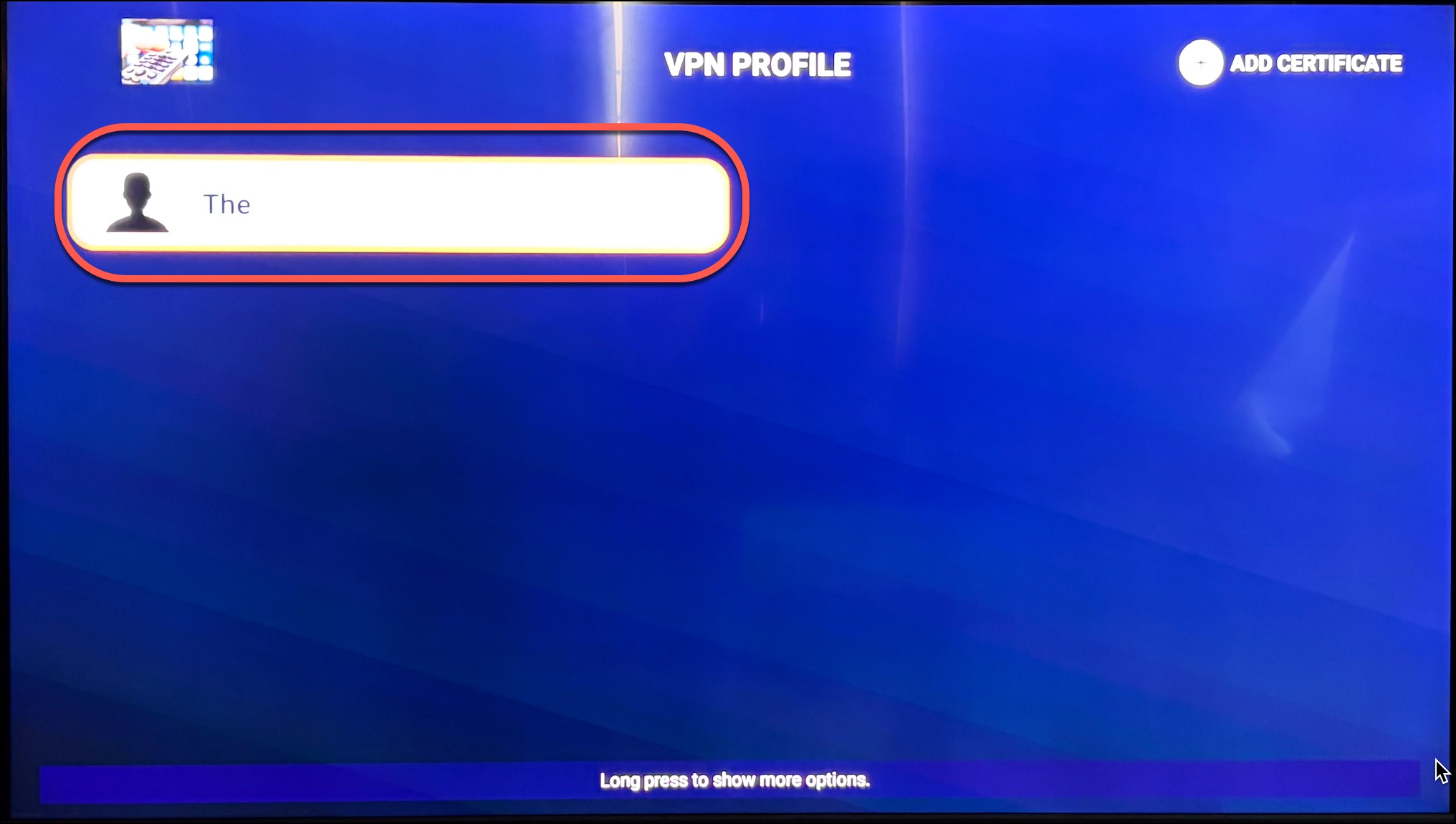
Click on "The" profile.
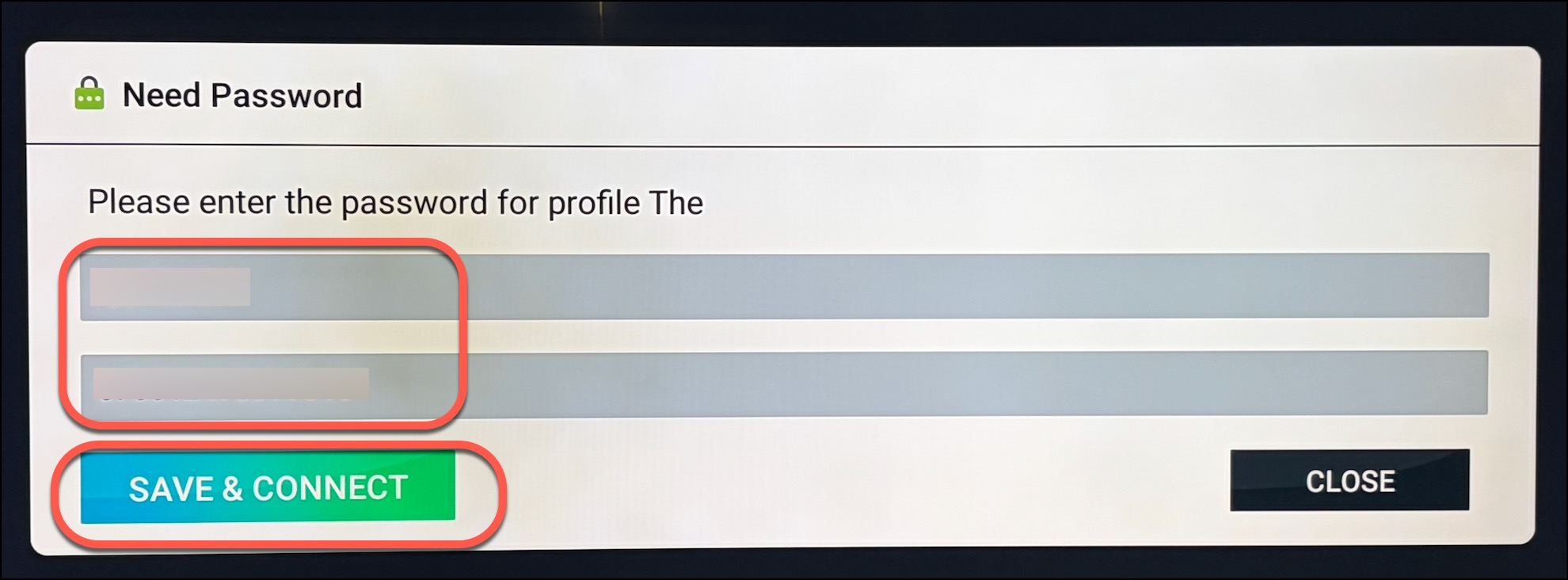
Enter the username and password provided from our support department, then click on "Save & Connect".
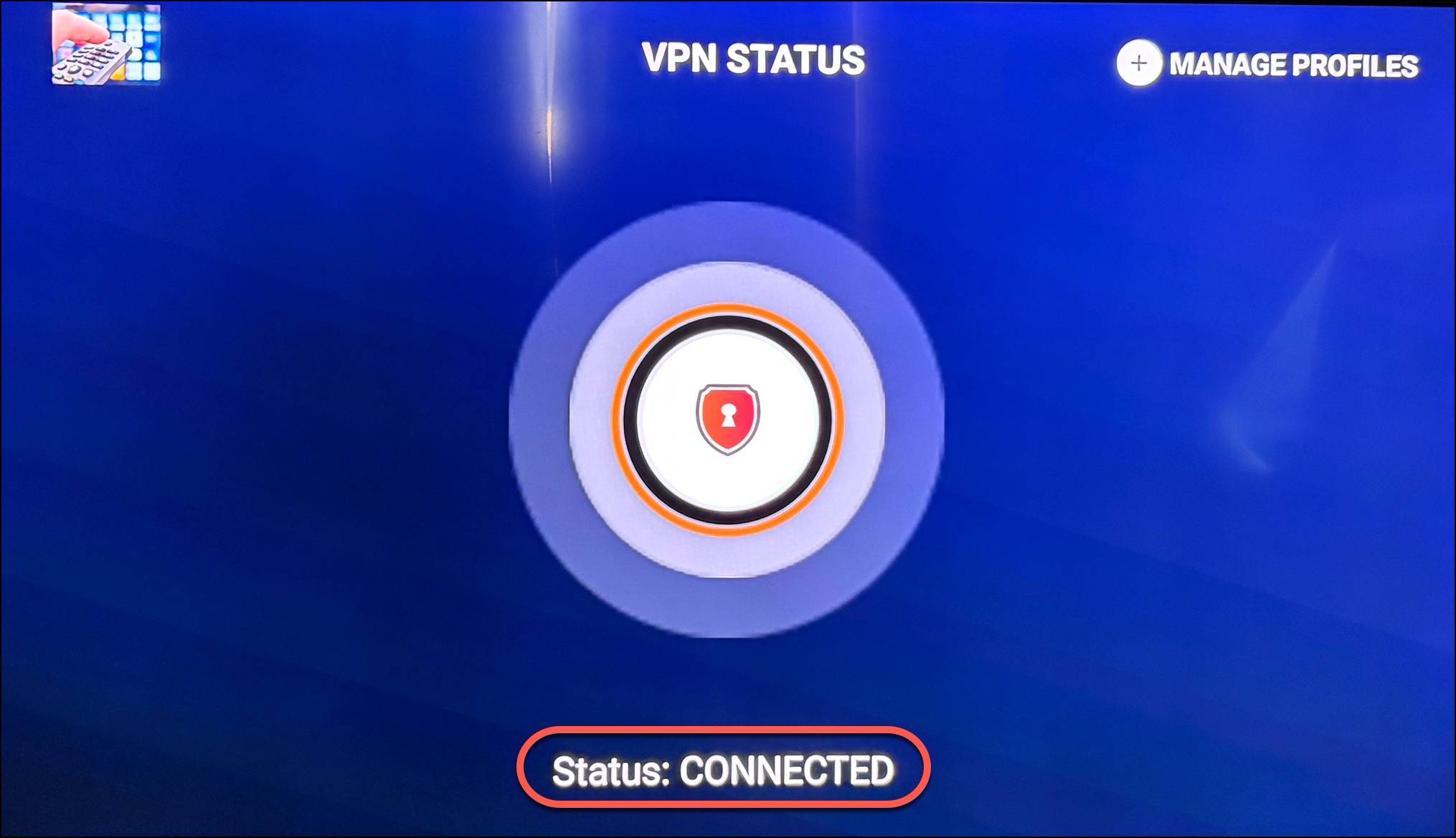
Next you should see VPN Status: CONNECTED, then click the back button until you get to the login screen.
If you have your credentials from HawkTV already entered, next click on "ADD USER".
Click on the LiveTV button and it will automatically start downloading the necessary information.
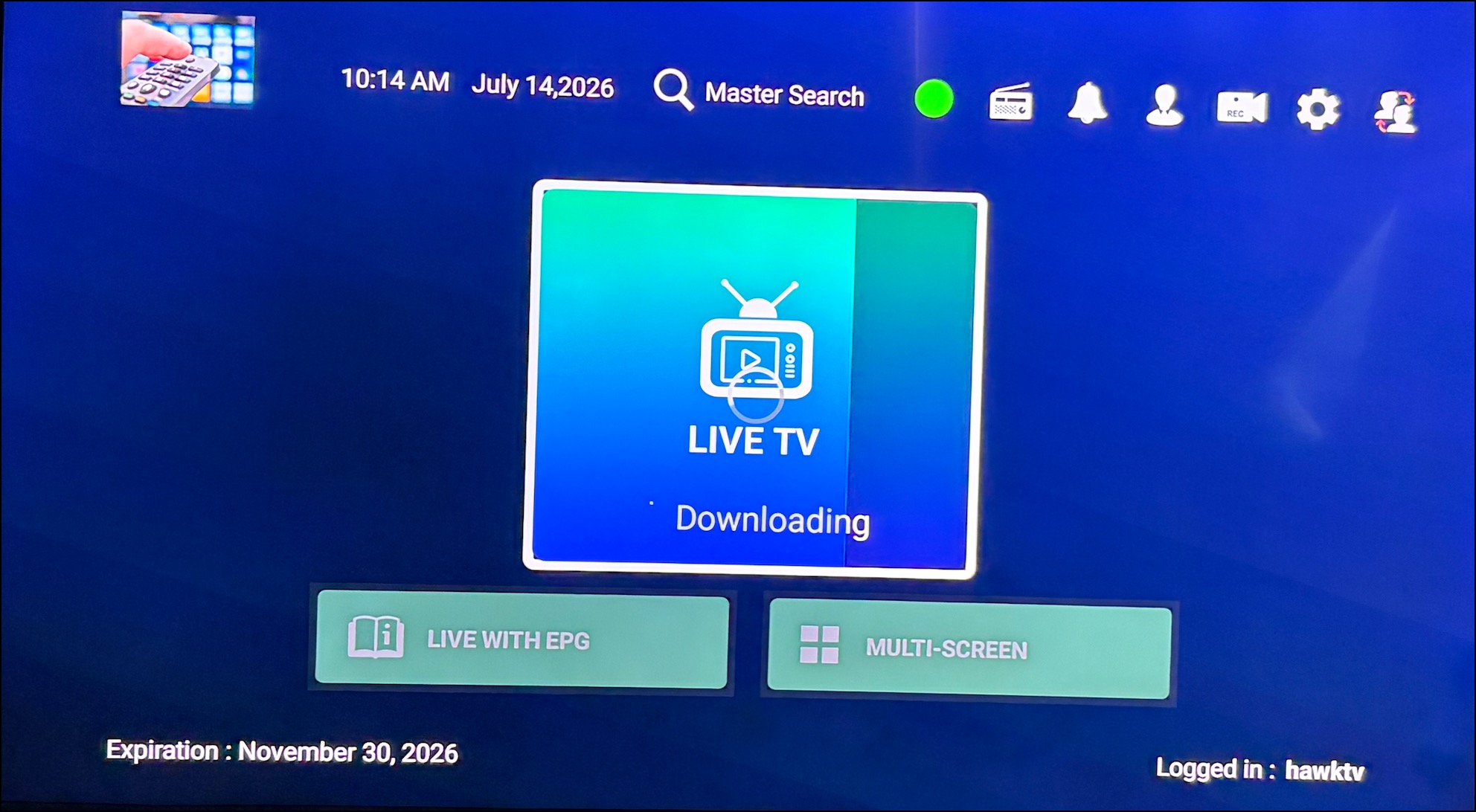
You're In!! Now you will see all of the categories and channels that are available in the HawkTV app while being logged into the built-in VPN.